This page explains how to move funds out of Axal. You can withdraw to a linked bank account, a finance app such as Coinbase or Robinhood, or an external crypto wallet. Multi-factor authentication (MFA) is required to complete any withdrawal.
Withdraw to Bank Account
Bank withdrawals use your available Cash balance and require a six-digit code from your authenticator app.
Choose Your Bank
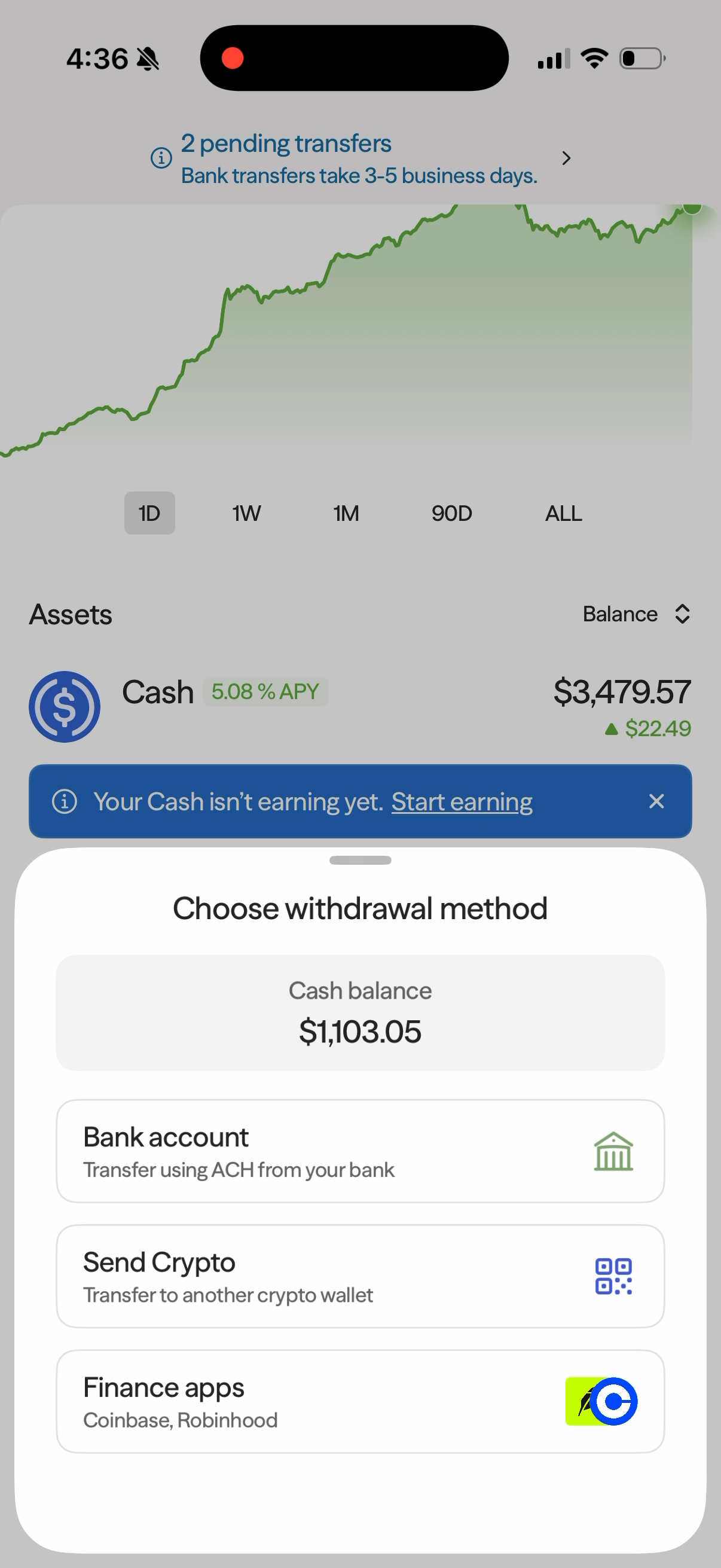
- Tap Withdraw on the Home screen.
- In Select asset, choose Cash.
- In Choose withdrawal method, select Bank account.
- On Bank Accounts, select the bank account where you want to receive the withdrawal. If you need to link another bank, tap Add an account.
- Tap Continue.
Enter an Amount and Review
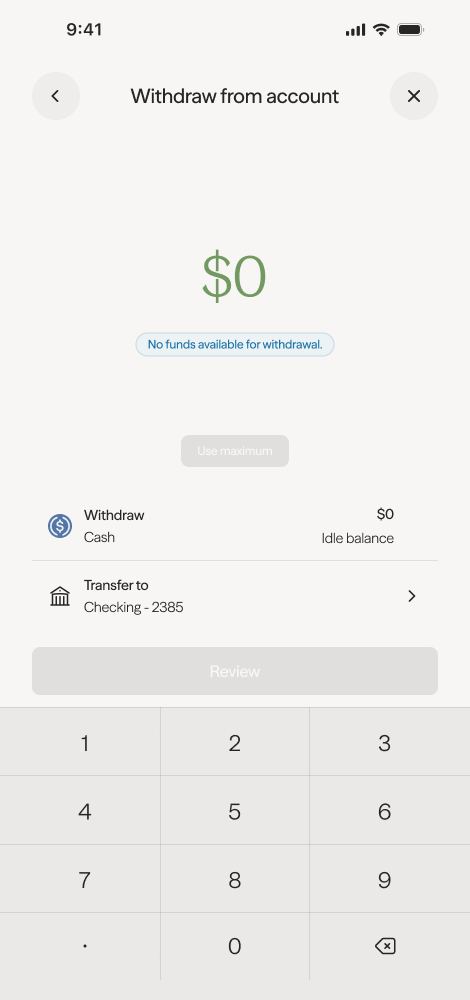
- On Withdraw Cash, enter the amount you want to withdraw, or tap Use maximum to use the available balance shown.
- Check the selected bank account at the bottom of the screen. Use the dropdown if you need to change it.
- Tap Continue.
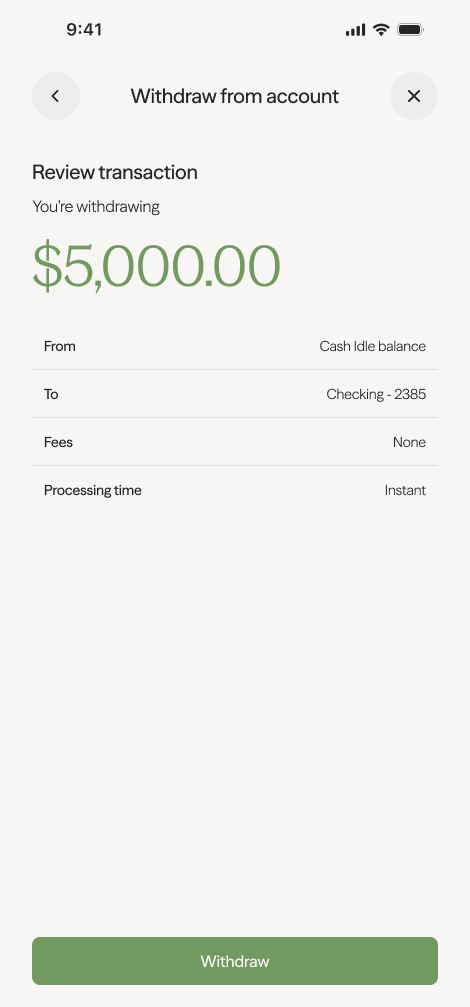
- On Review transaction, check the withdrawal amount, Cash Balance funding source, destination bank account, Fees, and Processing time.
Axal charges no withdrawal fee. Bank withdrawals typically reach your account in 1–3 business days.
Confirm with Your Authenticator
- Tap Validate with TOTP on the review screen.
- Open your authenticator app and find the code for your Axal account.
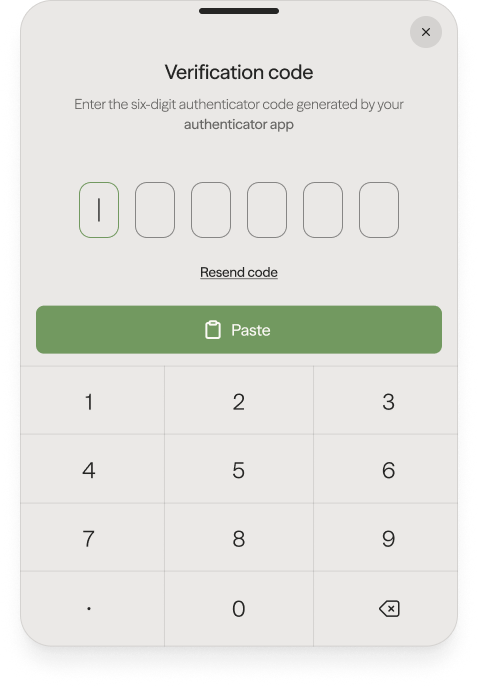
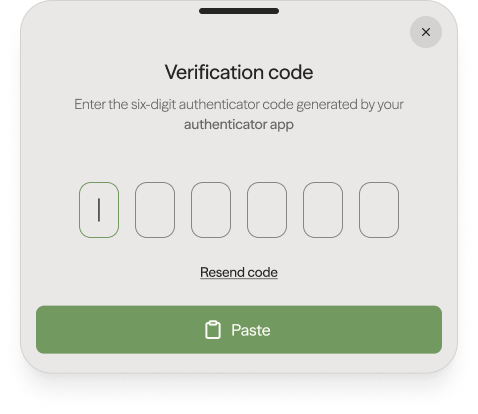
- Return to Axal and enter the six-digit code in Enter your code, or tap Paste if you copied it. If your phone asks for permission to paste, allow it to insert the code.
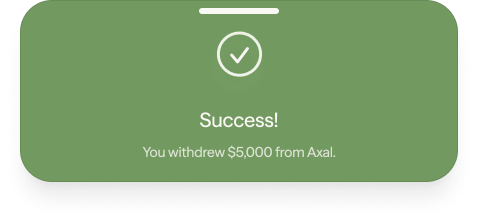
- After successful verification, Axal confirms that the amount is on its way to your bank account.
- Tap Done to return to the app.
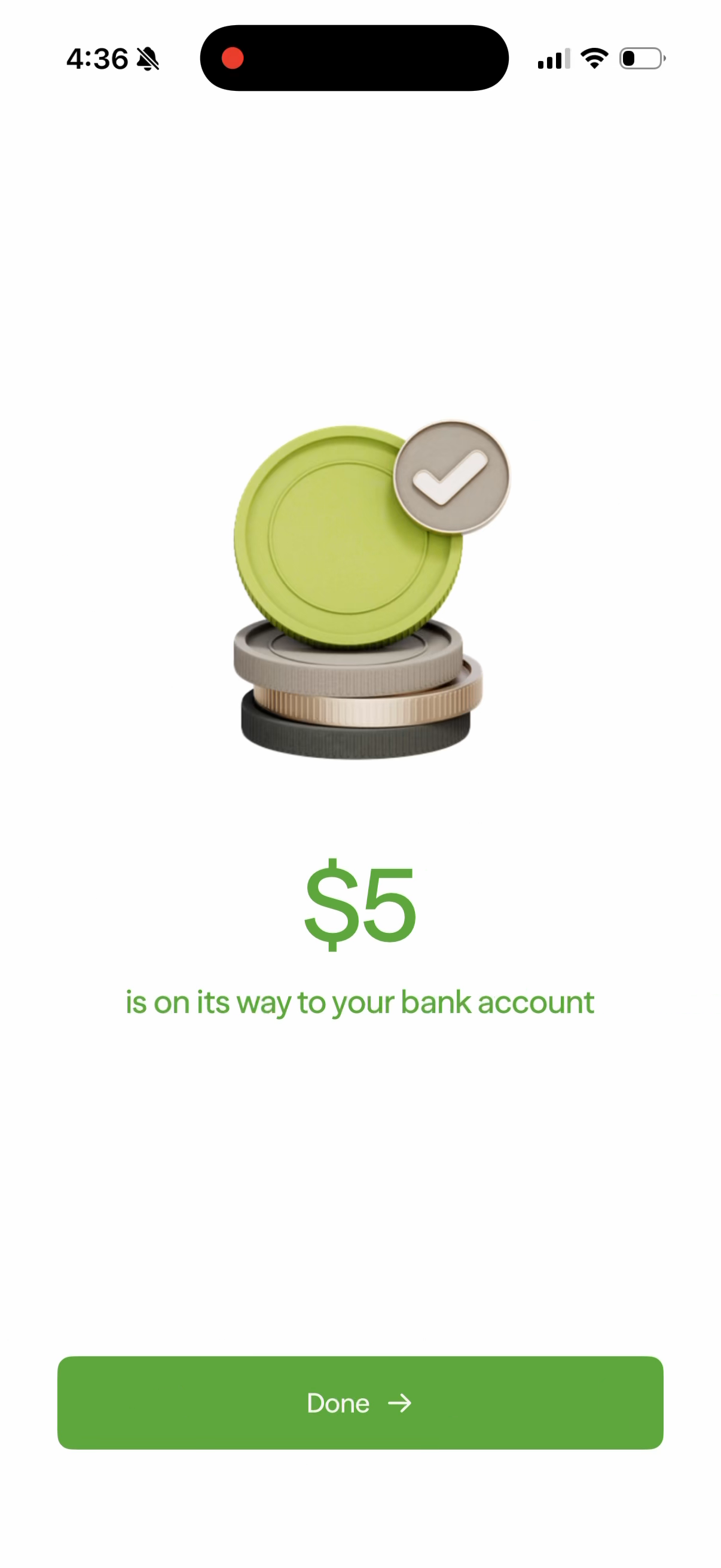
The confirmation means your withdrawal has been submitted; bank processing still needs to complete.
Withdraw to a Finance App
You can send funds from your available Cash balance to Coinbase or Robinhood. The steps below cover the Axal flow; sign-in and confirmation screens in the receiving app may differ.
Choose an App
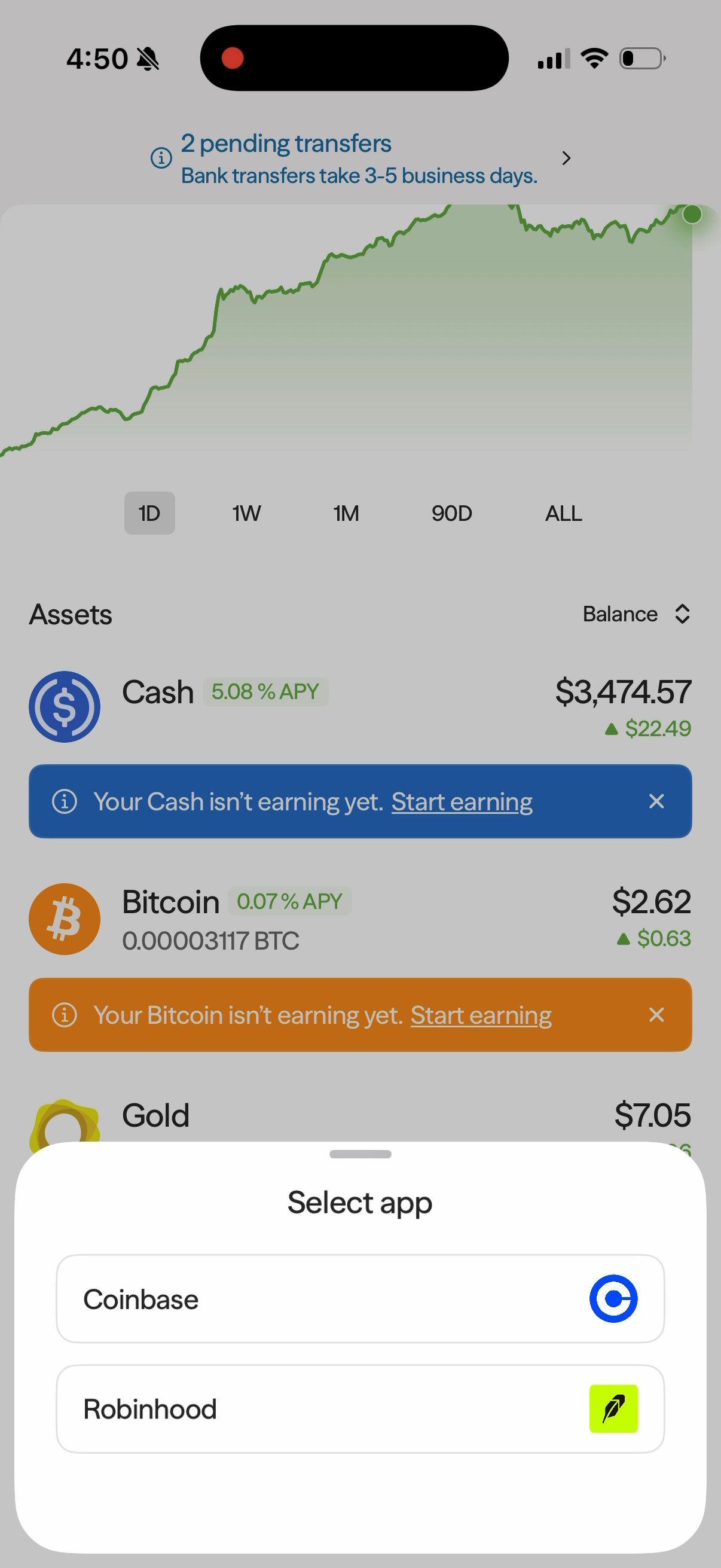
- Tap Withdraw on the Home screen.
- In Select asset, choose Cash.
- In Choose withdrawal method, tap Finance apps.
- In Select app, choose Coinbase or Robinhood.
Enter an Amount and Review
- On Send Cash, enter the amount you want to send, or tap Use maximum to use the available balance shown.
- Check the receiving app at the bottom of the screen. Use the dropdown if you need to change it.
- Tap Continue.
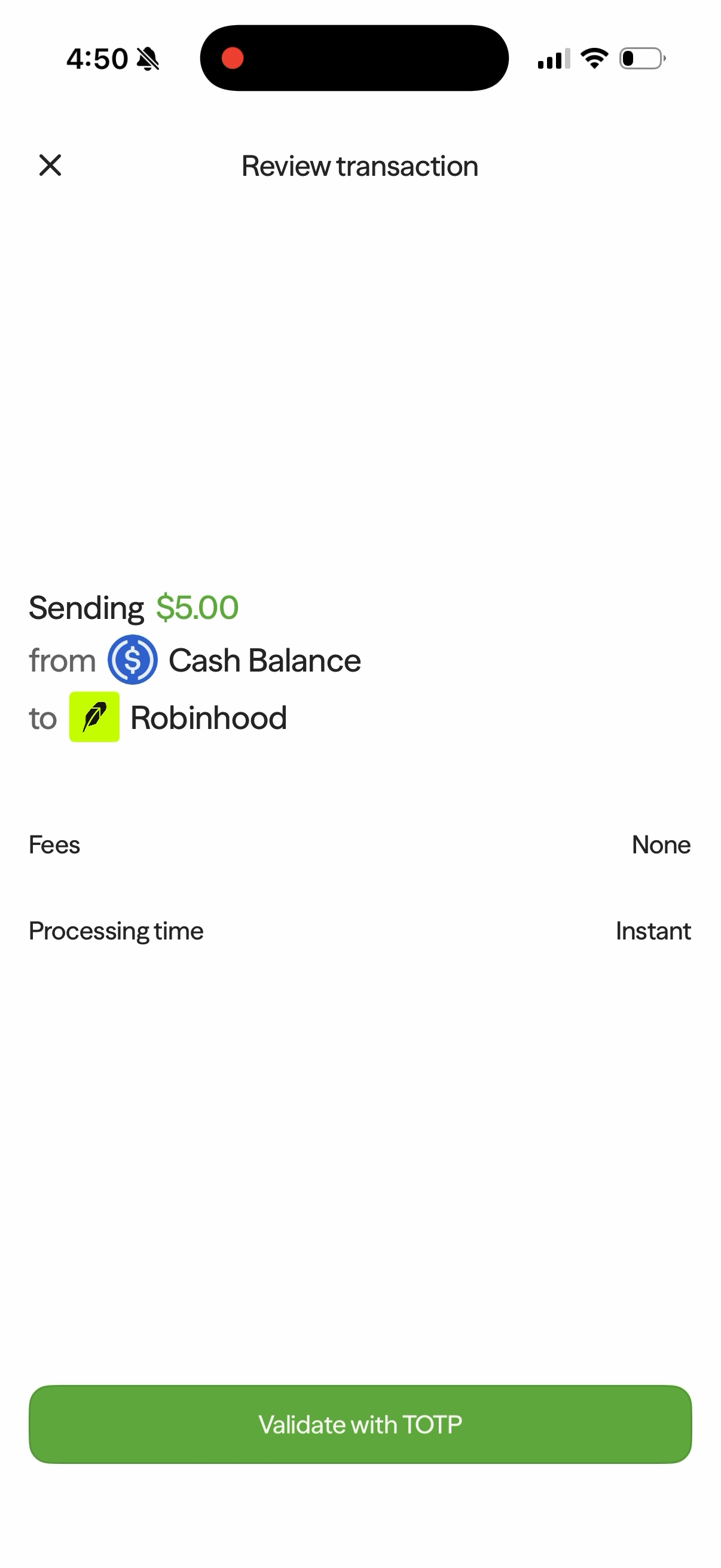
- On Review transaction, check the amount, Cash Balance funding source, receiving app, Fees, and Processing time.
Axal charges no withdrawal fee. Check the processing estimate shown for your transaction. In the Robinhood example below, Fees shows None and Processing time shows Instant.
Verify and Complete in the Receiving App
- Tap Validate with TOTP.
- Open your authenticator app and find the code for your Axal account.
- Return to Axal and enter the six-digit code, or tap Paste if you copied it. Allow pasting if your phone asks.
- After verification, continue to the selected app or its website. Sign in and follow its prompts to complete the transfer.
- Check the receiving app for confirmation that the transfer has completed.
For Robinhood, stop screen recording or screen sharing if its security screen asks you to do so, then continue in Robinhood.
Withdraw to Crypto Wallet
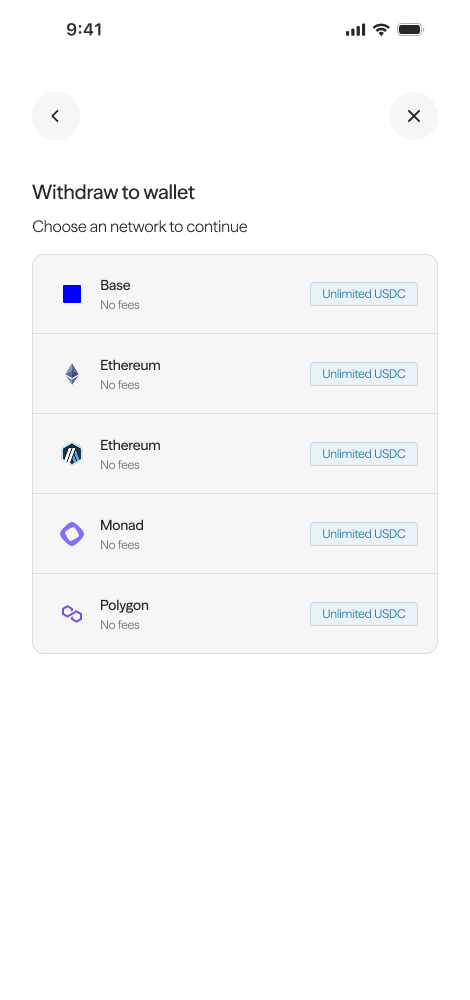
- Select the blockchain network you want to withdraw to.
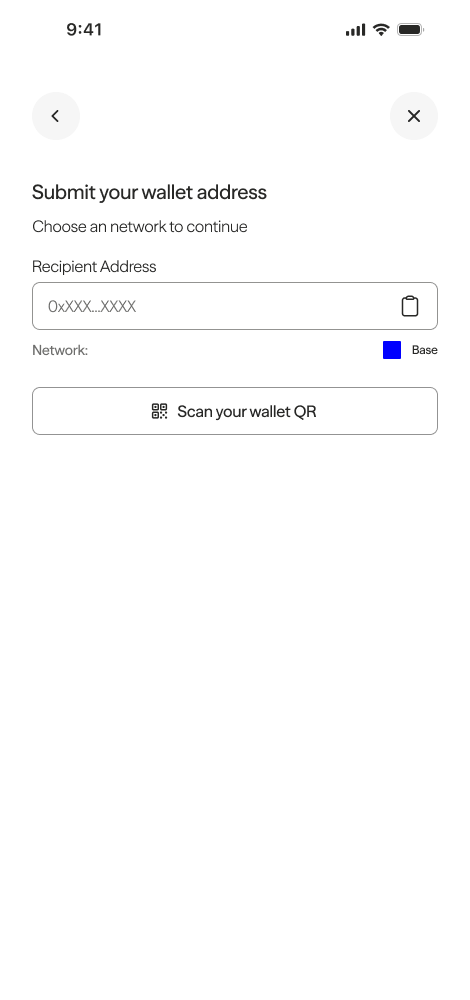
- Enter your wallet address or scan the QR code.
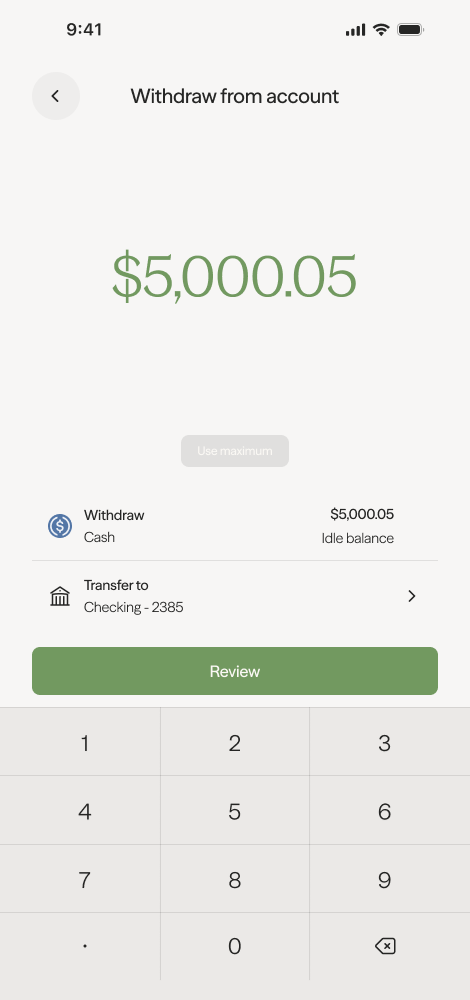
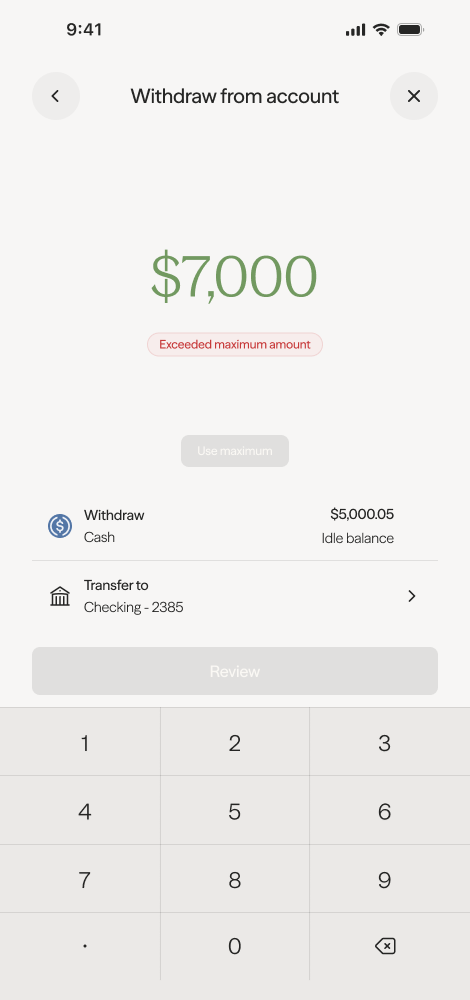
- Enter the amount you would like to withdraw.
- Review the transaction details before confirming.
- Enter your MFA code to confirm the withdrawal.
Troubleshooting
- Withdrawal not showing? Bank withdrawals typically arrive in 1–3 business days. If it has been longer, contact support.
- Wrong network? Contact support at hello@getaxal.com with the transaction hash so the team can advise on recovery options.
- Note: Axal sponsors all gas costs for transactions within the Axal app, not external wallet transactions.