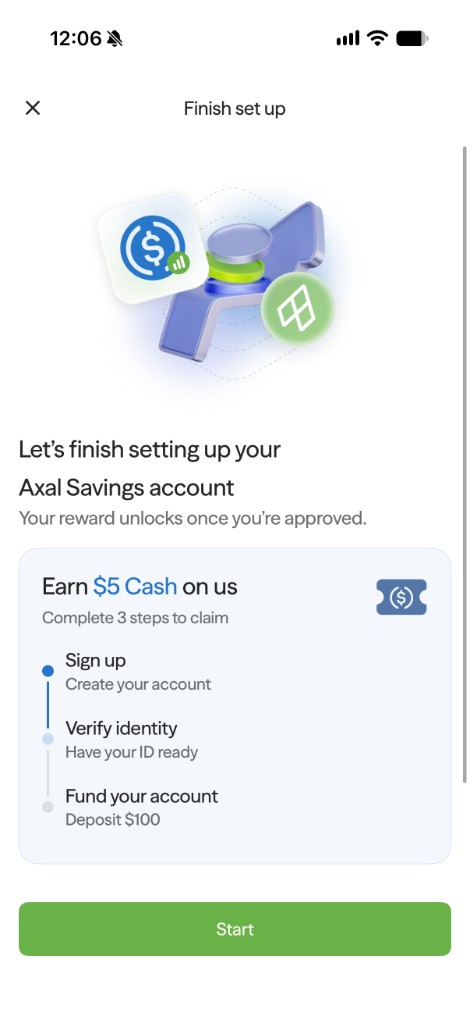
This page explains how users move money into Axal directly from a bank account or card.
Bank Transfer (ACH)
- From Add funds, Click on Bank Transfer.
- Verify your identity (note: Axal does not store identification data)
- Connect your bank account via Link.
- Enter and confirm deposit amount.
Apple/Google Pay
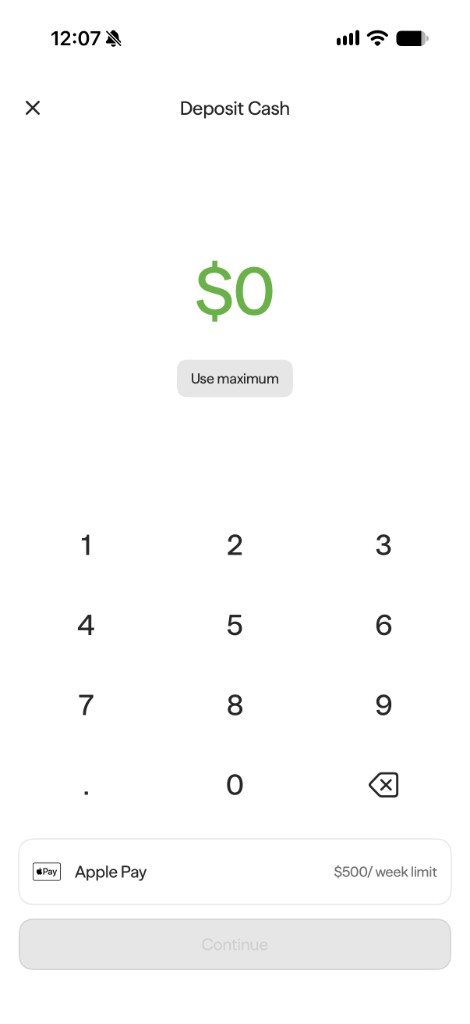
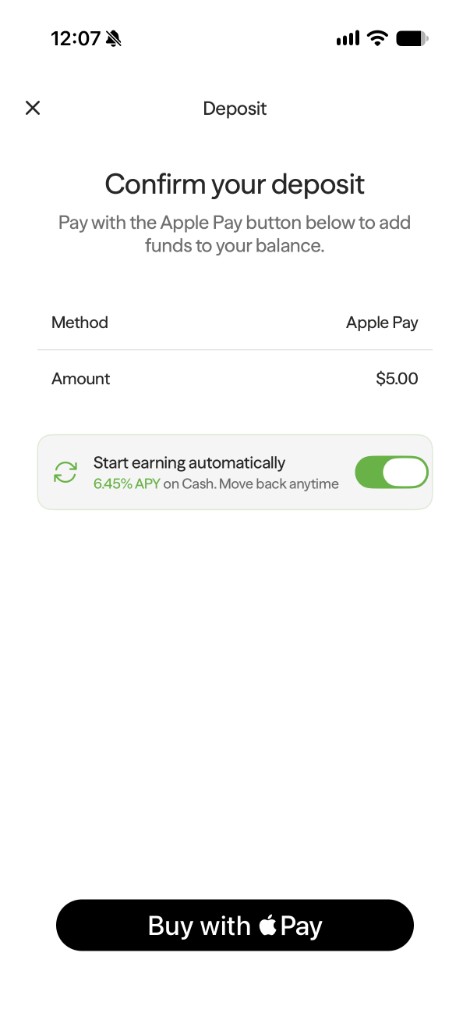
- From Add funds, select Apple/Google Pay.
- Enter the amount you would like to deposit.
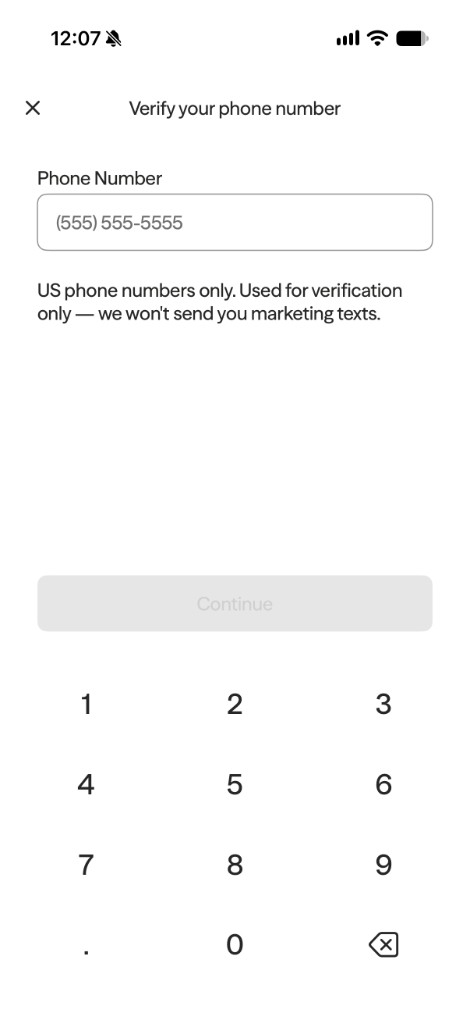
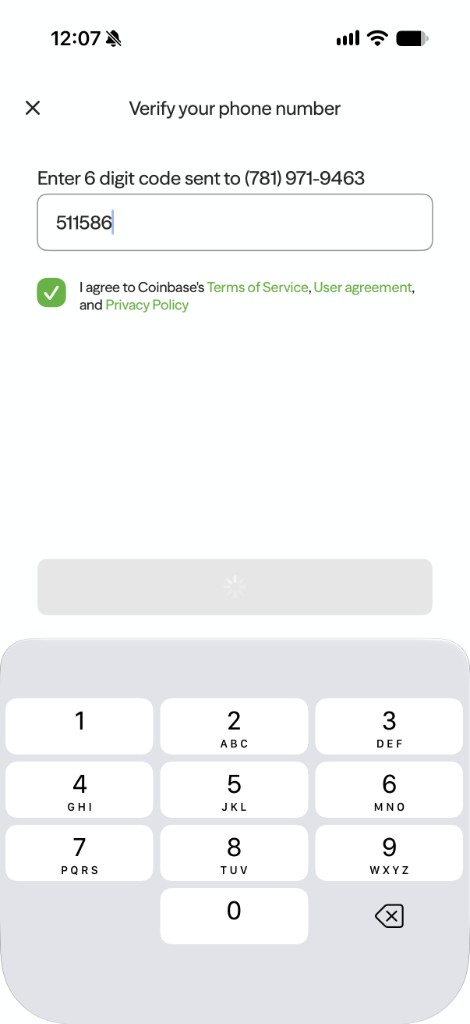
- Enter your phone number and the verification code.
- If you're on mobile, you'll be prompted to transact the amount of money you input through Apple Pay on Coinbase. There will be no transaction fees.
- If you're on a laptop, an Apple Pay code will open for you to scan with a phone. That will open the same prompt on your phone.
Paycheck, Wire Transfer, SEPA, PIX, or SPEI
Reach out to support@axal.com if you are interested in these methods! Available upon request.