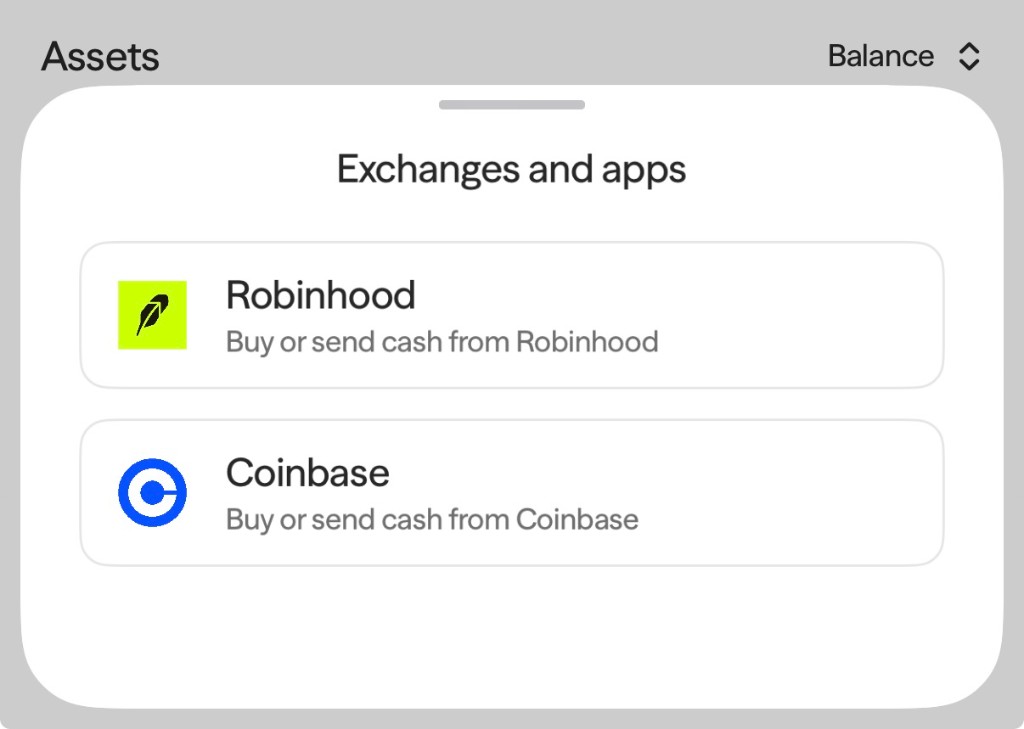
This section walks you through how to transfer existing cash or crypto from CashApp, Coinbase, or Robinhood accounts into Axal for the purposes of generating yield or self-custody.
Send Cash
Use this flow if you want to transfer dollars directly from your CashApp, Coinbase, or Robinhood balance.
- From Add funds, Select From an app — choose from CashApp, Coinbase, or Robinhood.
- Select your asset — choose Cash.
- Enter the amount you would like to transfer.
- Review and confirm the transfer amount.
Send Crypto
Use this flow if you want to transfer an existing crypto asset from CashApp, Coinbase, or Robinhood into Axal.
- From Add funds, Select From an app — choose from CashApp, Coinbase, or Robinhood.
- Select your asset — choose any asset other than Cash.
- Select your preferred blockchain network.
- Copy the wallet address or scan the QR code to initiate the transfer from your external app to Axal.
Troubleshooting
- Transfer not showing? Verify the transaction hash by logging into the desktop/browser interface and clicking View on Explorer.
- Sent on the wrong network? Contact support at hello@getaxal.com with the transaction hash so the team can advise on recovery options.
- Note: Axal sponsors all gas costs for transactions within the Axal app, not external wallet transactions.