

Withdrawals
Learn how to withdraw your funds from Axal to a bank account or crypto wallet
This page explains how to move funds out of Axal. You can withdraw directly to a linked bank account or to an external crypto wallet. Multi-factor authentication (MFA) is required to complete any withdrawal.
Withdraw to Bank Account
Section titled “Withdraw to Bank Account”- Select the account you would like to withdraw from.
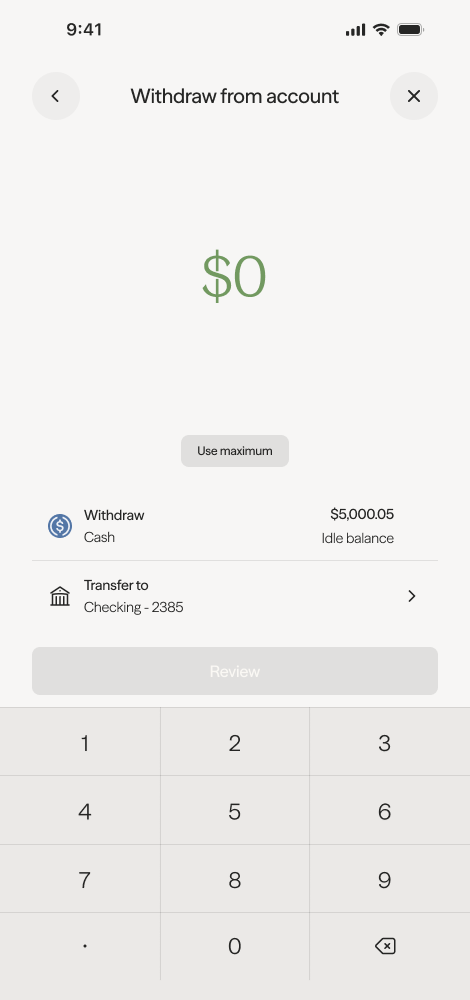
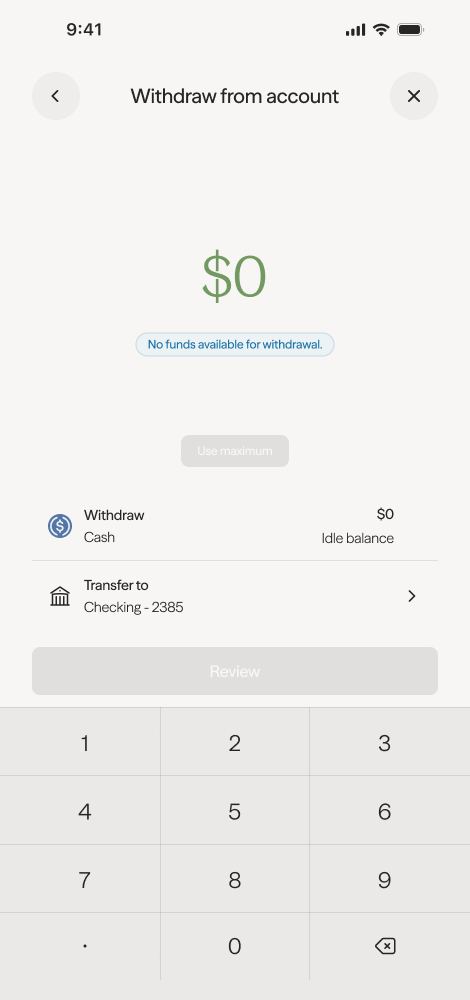
- Enter the amount you would like to withdraw from your idle balance.
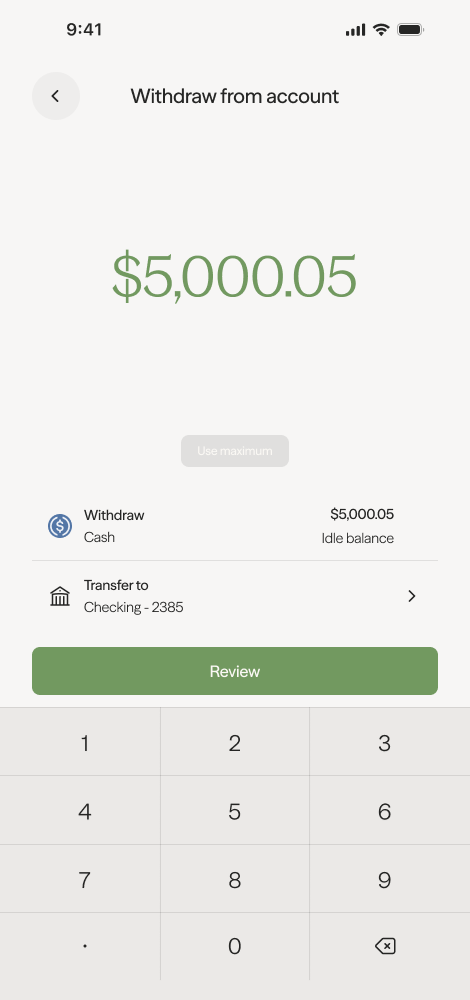
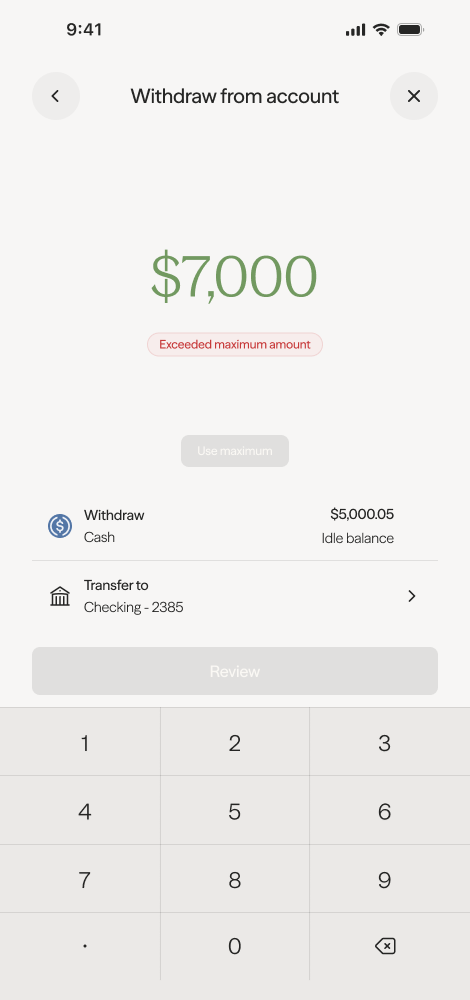
- Review the transaction details before confirming.
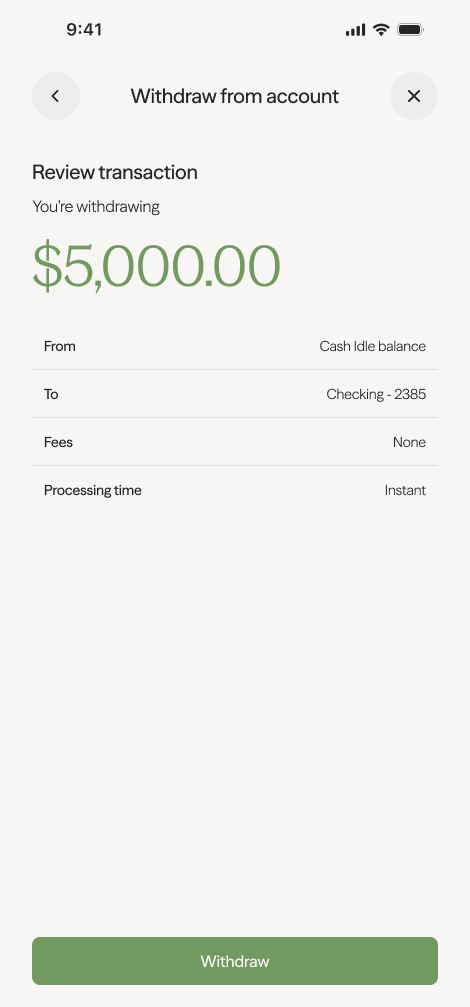
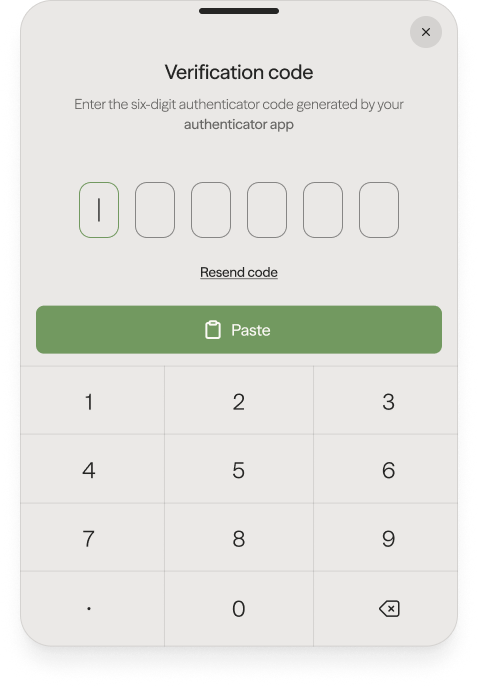
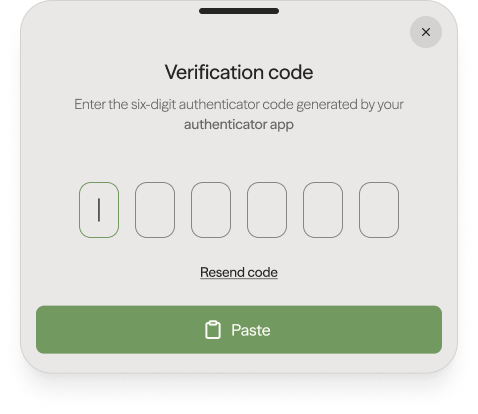
- Enter your MFA code to confirm the withdrawal.

Withdraw to Crypto Wallet
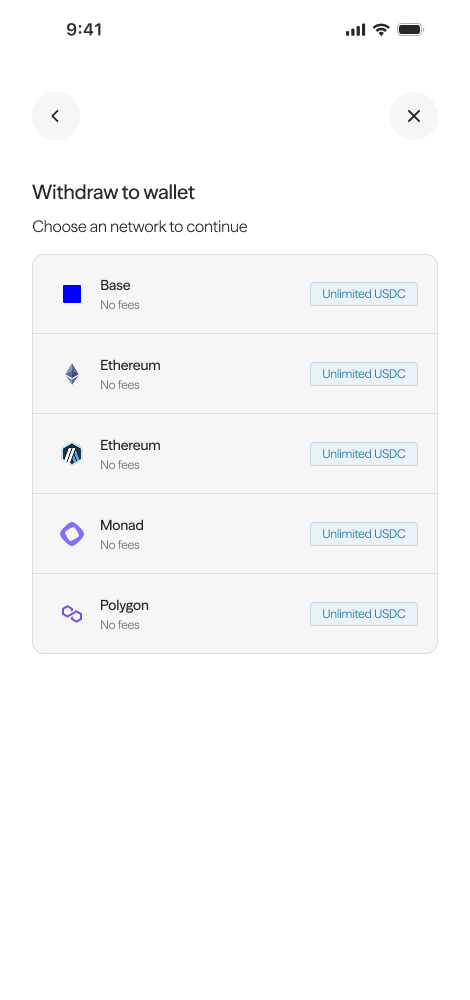
Section titled “Withdraw to Crypto Wallet”- Select the blockchain network you want to withdraw to.
- Enter your wallet address or scan the QR code.
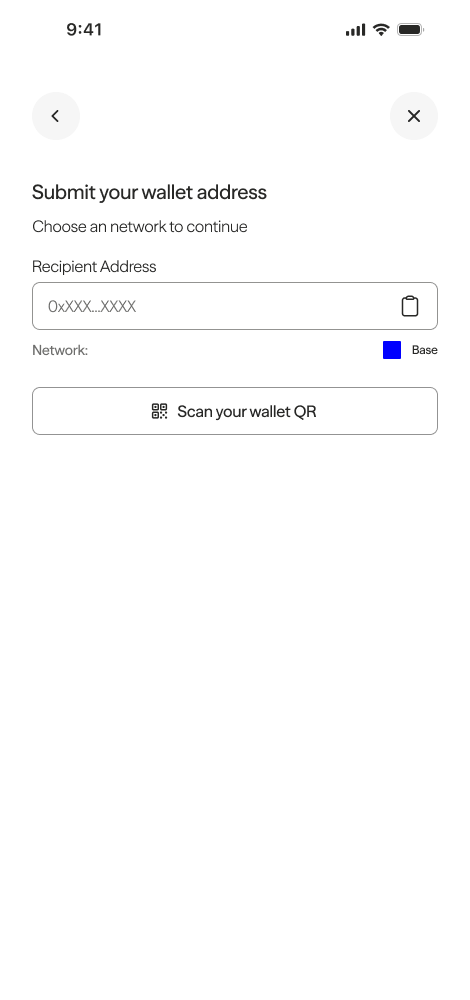
- Enter the amount you would like to withdraw.
- Review the transaction details before confirming.
- Enter your MFA code to confirm the withdrawal.
Troubleshooting
Section titled “Troubleshooting”- Withdrawal not showing? Allow up to 3–5 business days for bank transfers to settle.
- Wrong network? Contact support at hello@getaxal.com with the transaction hash so the team can advise on recovery options.
- Note: Axal sponsors all gas costs for transactions within the Axal app, not external wallet transactions.